At intake
Identify formats, duplicates and available metadata. Define the classification scheme and required fields before enriching the collection.
 Let’s discuss your project
 Three domains that turn your content into practical value.
The workflows below illustrate configurations to be designed around your needs.
Give your collections a lasting structure, from media libraries to documentary heritage. Make every resource identifiable, accessible and reusable.
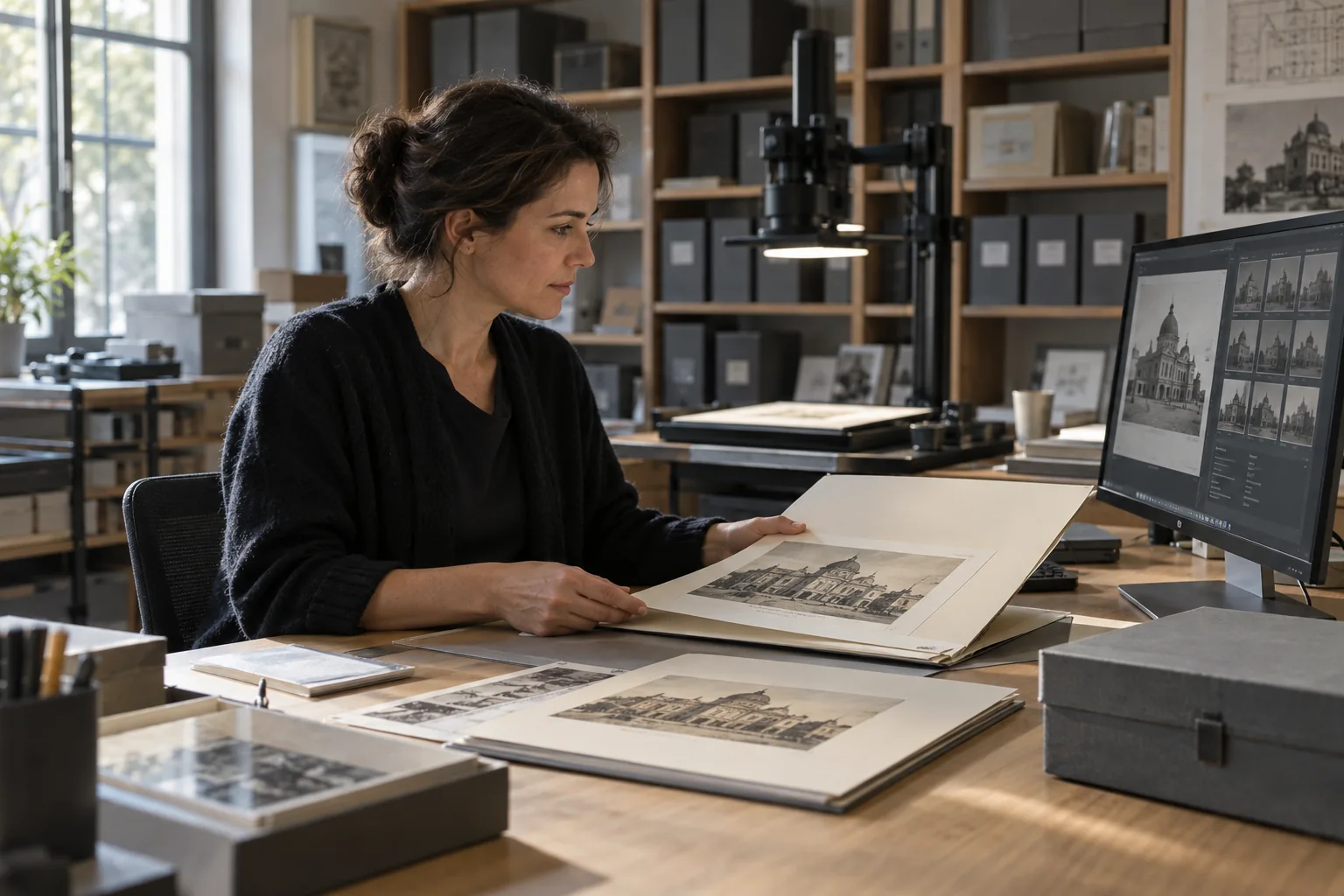
A documentalist is preparing an exhibition about the history of a place. She explores photographs, plans and digitised archives, even when the collections use different vocabularies.
She connects documents by place, date, creator or event. Each item remains linked to its catalogue record and source; missing information is flagged for verification.
Before selecting an image for the catalogue or website, she checks its rights, credits and usage restrictions. An uncertain status requires validation, rather than implied permission.
She gathers the selected items with their catalogue records, credits and reuse conditions. The curator has a contextualised collection to help prepare interpretive content.
Bring your assets, brand guidelines and teams together. From a Brand Center to campaign preparation, design a workflow that fits your organisation.

A team is preparing an offer launch in France. It specifies the audience, channels, timing and brand voice to guide the search within the Brand Center.
The assistant helps connect approved visuals, offer information and brand guidelines. The selection accounts for access rights and usage conditions for the intended territory and channels.
The team assembles a selection for the web, email and social media. AI can suggest copy based on the selected sources; the texts remain drafts for review.
The owners review the messages, visuals and compliance with brand guidelines. The approved kit is then made available to teams and partners according to their permissions.
Connect instructions, standards and media to their operational context. Help teams find the version that applies to their site, product or workstation.

Before a production changeover, an operator specifies the site, line, equipment and product reference. This context helps target documentation relevant to the operation.
The operator accesses the procedure for that configuration, with its version, date and approval status. Obsolete documents or instructions for another variant must not guide the work.
From the workstation interface, the operator reviews the procedure, visuals and checkpoints. A question to the assistant must refer back to passages in approved sources, without inventing instructions.
If an instruction is missing or does not match the situation, the operator contacts the quality or maintenance lead. Field feedback informs document revisions, which require approval by the relevant experts.